User Roles
At the core of the Database API is a simple role-based permission system. You define both the roles, and what those roles can do (WIP).
One of the main things you should take into consideration is how your app is deployed. If you have a standalone server build of your game, permissions become much easier to manage, since it allows you to create a "server user" that has full access to the database, and then create "client users" that have limited read-only access to most data.
Defining Roles
Roles can be defined in the Defs tab of the Database Manager window found at Foundry -> Database -> Manager.
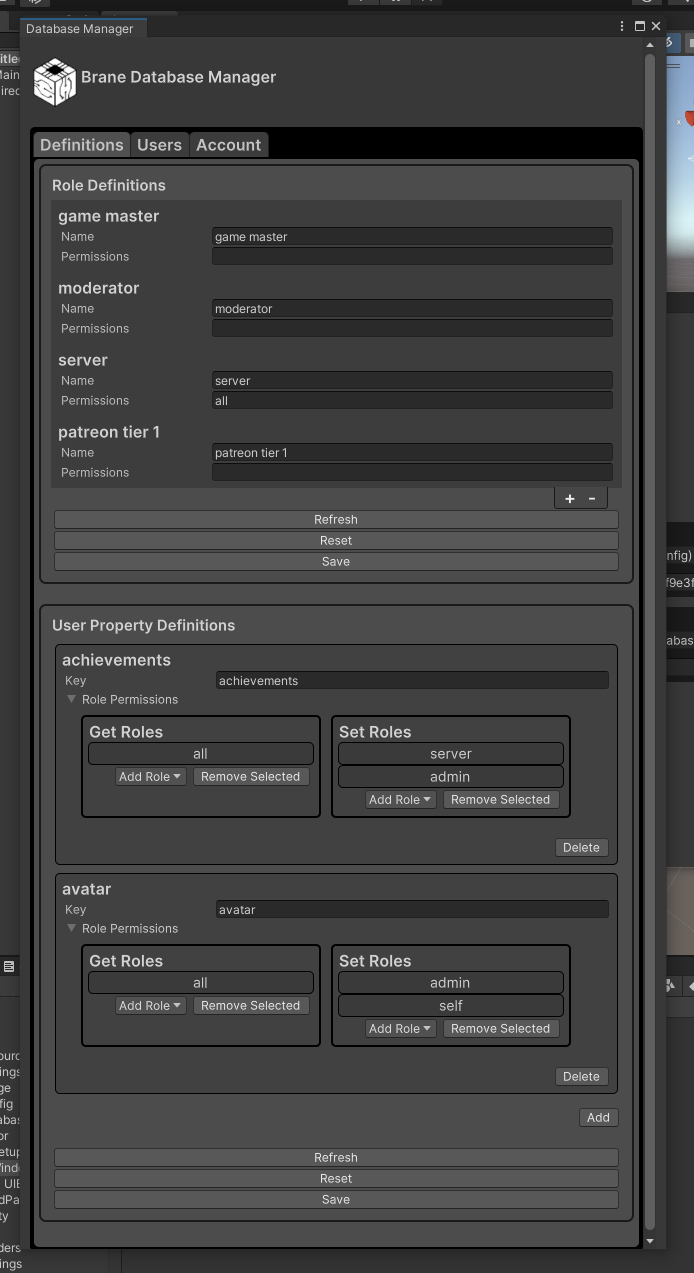
To create or remove a role, click the + or - button at the bottom of the Role Definitions Section.
At this time, the Permissions field is not used by our code, but is accessible to game developers to use as they see fit.
Once you're done editing the roles, click the Save button at the bottom of the window to save your changes, you can also reset or refresh to undo changes. Refreshing will also pull in any changes made by other users.
Using Roles
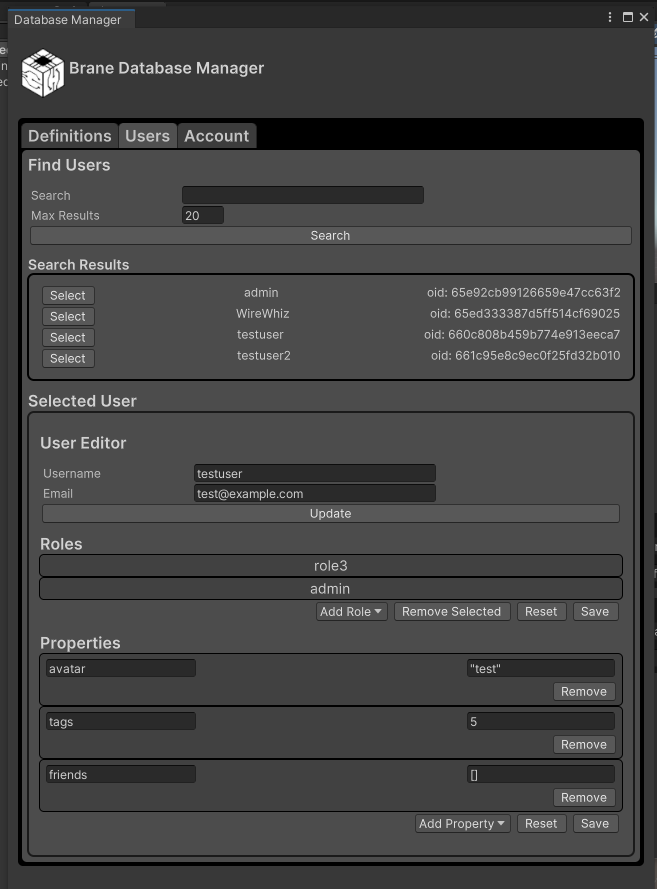
Roles can be assigned to users in the Users tab of the Database Manager