SpatialButton
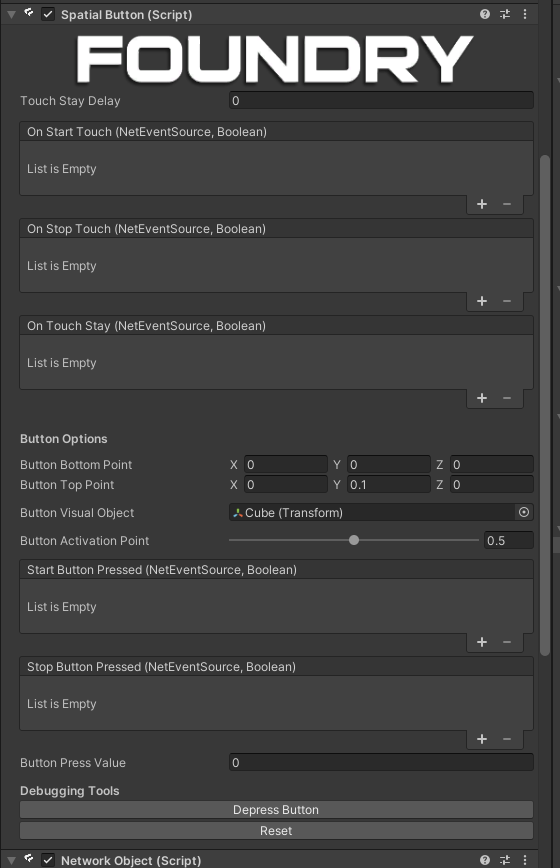
Description
A networked button implementation, using the foundry touch point system.
Usage
Add this script to a game object with a collider, move the button top and points to set the how the button is pressed.
Then add a child object with a collider to represent the depressible part of the button, then set Button Visual Object to that object.
To determine which level of pressed counts as a press, set Press Threshold to the distance the button must be pressed to count as a press.
Then when the button is pressed, the StartButtonPressed event will be called, and when it is released, the StopButtonReleased event will be called.
You can also directly query the ButtonPressValue property to see how much the button is currently pressed.
Networking
This script becomes networked in the presence of a NetworkObject component on the same object or on a parent, events will also be sent over the network.